




This recipe was shared from Recipe Keeper - save, organize and share recipes all in one place.

  • Save recipes from websites, Instagram, TikTok
  • Scan cookbooks, magazines, handwritten recipes
  • Plan meals and shopping lists
  • Create beautiful cookbooks to share or gift
  • Works on iOS, Android, Windows and Mac

Get Recipe Keeper free and save this recipe to your collection

Download on the App Store Get it on Google Play Download from Windows Store Download on the App Store

⭐⭐⭐⭐⭐ 50,000+ 5-star ratings

(App Store • Google Play • Microsoft Store)

Italienisch all in one kochen mit Hähnchen

Serving size: 4 Personen
Cook time: 25 mins

Already have Recipe Keeper?

Ingredients

  • FÜR DAS HÄHNCHEN UND GEMÜSE
  • 300 g Langkornreis
  • 1200 g Wasser
  • Olivenöl
  • Salz
  • 4 Hähnchenfilets (à ca. 150 g)
  • 2 TL edelsüßes Paprikapulver
  • Pfeffer
  • 2 Orangen, in Scheiben
  • 400 g Zucchini, in Scheiben
  • 400 g Blumenkohl, in Röschen
  • FÜR DIE TOMATENSOSSE
  • 1 Knoblauchzehe
  • 2 EL Tomatenmark
  • 400 g Tomaten, geviertelt
  • 1 TL getrockneter Oregano
  • 1 TL Balsamicoessig
  • 50 g geriebener Parmesan zum Garnieren
  • Basilikum zum Garnieren

Directions

  • Reis in den Garkorb einwiegen, unter fließendem Wasser waschen und in den einsetzen. Wasser mit 1 TL Öl und 1 TL Salz zugeben und vermengen.
  • 2 Hähnchenfilets auf den Einlegeboden legen. Mit 2 Prisen Salz und Pfeffer würzen. Mit Orangenscheiben belegen. Zucchini und Blumenkohl im VaromaⓇ verteilen. VaromaⓇ mit Einlegeboden aufsetzen und 25 Min. | Varoma | Stufe 1 garen. Den Varoma vorsichtig abnehmen und beiseitestellen.
  • Die Knoblauchzehe in den geben und 5 Sek. | Stufe 5 zerkleinern. 2 EL Olivenöl mit Tomatenmark hinzufügen und 2 Min. | 120°C | Stufe 1 andünsten. Tomaten, Oregano, ½ TL Salz, 2 Prisen Pfeffer und Balsamicoessig zugeben, 10 Sek. | Stufe 4 zerkleinern und 5 Min. | 90 °C | Stufe 1 erhitzen.
  • Hähnchen, Orangen, Zucchini und Blumenkohl darübergeben und alles mit Parmesan sowie frischem Basilikum garnieren.
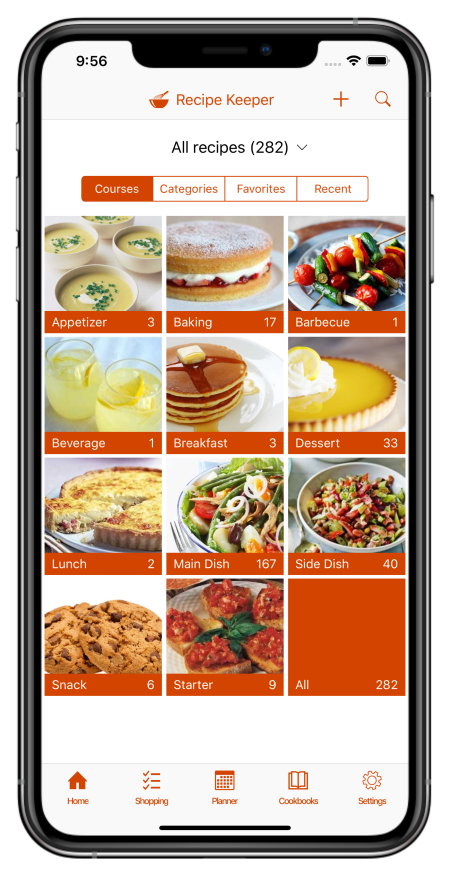

What is Recipe Keeper?

Recipe Keeper helps you save recipes from anywhere, keep them organized, and find them fast - across your phone, tablet and computer.

Import recipes from websites

Search for recipes on the web, Instagram and TikTok and add them straight to your collection.

Hundreds of popular recipe websites supported.

Once added you can customize a recipe to suit your needs.

Scan from cookbooks, magazines and handwritten recipes

Scan recipes using your phone's camera or from your existing photos and PDF files.

OCR technology automatically converts images to text.

Keep all your favorite family recipes safe forever.

Find any recipe instantly

Quickly lookup your recipes by name, ingredient or directions or simply browse your recipes by course, category and rating.

Got some leftovers in the fridge? Search for a recipe to use them up.

Cook more of your favorite meals and rediscover those long forgotten recipes to make meal times interesting again.

Available across all of your devices

Share your recipes, shopping lists and meal planner across your iPhone, iPad, Android phone and tablet, Windows PC and Mac.

Get Recipe Keeper and never lose a recipe again

Download on the App Store Get it on Google Play Download from Windows Store Download on the App Store


