


This recipe was shared from Recipe Keeper - save, organize and share recipes all in one place.

  • Save recipes from websites, Instagram, TikTok
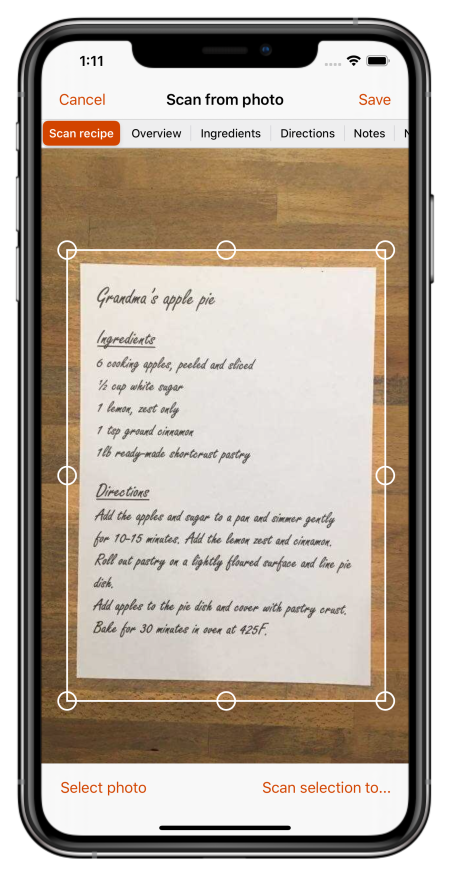
  • Scan cookbooks, magazines, handwritten recipes
  • Plan meals and shopping lists
  • Create beautiful cookbooks to share or gift
  • Works on iOS, Android, Windows and Mac

Get Recipe Keeper free and save this recipe to your collection

Download on the App Store Get it on Google Play Download from Windows Store Download on the App Store

⭐⭐⭐⭐⭐ 50,000+ 5-star ratings

(App Store • Google Play • Microsoft Store)

christmas sprinkle cookies

Serving size: 8 large cookies or 16 medium cookies
Prep time: 15 mins
Cook time: 15 mins

Already have Recipe Keeper?

Ingredients

  • 1/2 cup butter (softened)
  • 1/2 cup white sugar
  • 1/4 cup brown sugar
  • 1 egg
  • 1 tsp vanilla
  • 1 1/2 cups flour (180 grams)
  • 1 tsp baking soda
  • 1/2 tsp baking powder
  • 1/2 tsp salt
  • 1/2 cup sprinkles

Directions

  • 1. Preheat the oven to 350F. Add the softened butter, white sugar, and brown sugar to a bowl. Using a stand mixer or hand mixer, mix the butter and sugars for 2-3 minutes, until fully combined.
  • 2. Add the egg and vanilla and mix until fully combined. Add the flour, baking soda, baking powder, and salt. Mix until just combined -- until no streaks of flour remain. Add the sprinkles and mix on low until they're distributed throughout the dough.
  • 3. Use a large cookie scoop (about 1/4 cup) to scoop the dough. Transfer the dough balls onto a parchment lined baking sheet. Top each dough ball with a few extra sprinkles (optional). Bake for 7-9 minutes, until the edges are just set (it might still look slightly doughy in the centers, this is perfect).
  • 4. If you are making smaller cookies, adjust the bake time down. Start checking the cookies at 5 minutes, and remove from the oven when the edges are set.
  • 5. Remove from the oven and let them cool on the baking sheet for 5 minutes, then transfer to a cooling rack to cool completely. Enjoy!
What is Recipe Keeper?

Recipe Keeper helps you save recipes from anywhere, keep them organized, and find them fast - across your phone, tablet and computer.

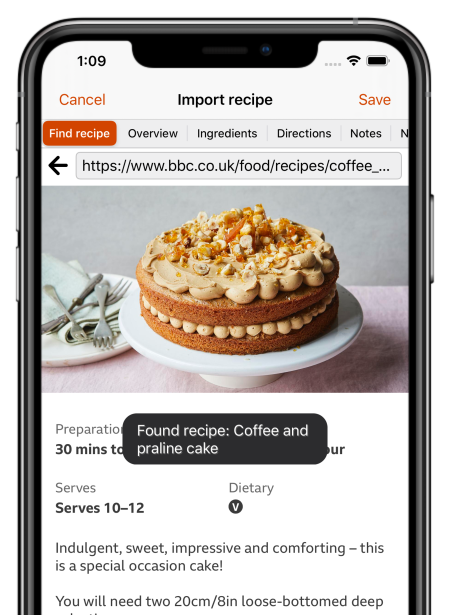
Import recipes from websites

Search for recipes on the web, Instagram and TikTok and add them straight to your collection.

Hundreds of popular recipe websites supported.

Once added you can customize a recipe to suit your needs.

Scan from cookbooks, magazines and handwritten recipes

Scan recipes using your phone's camera or from your existing photos and PDF files.

OCR technology automatically converts images to text.

Keep all your favorite family recipes safe forever.

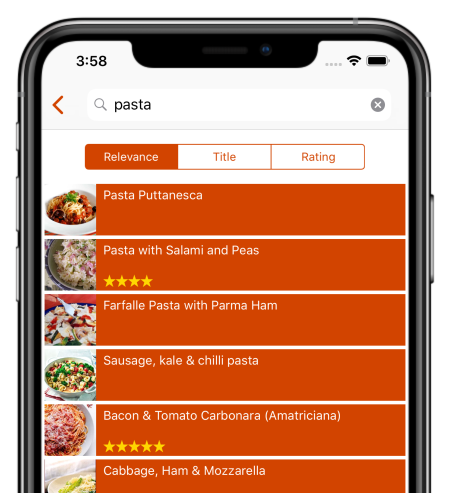
Find any recipe instantly

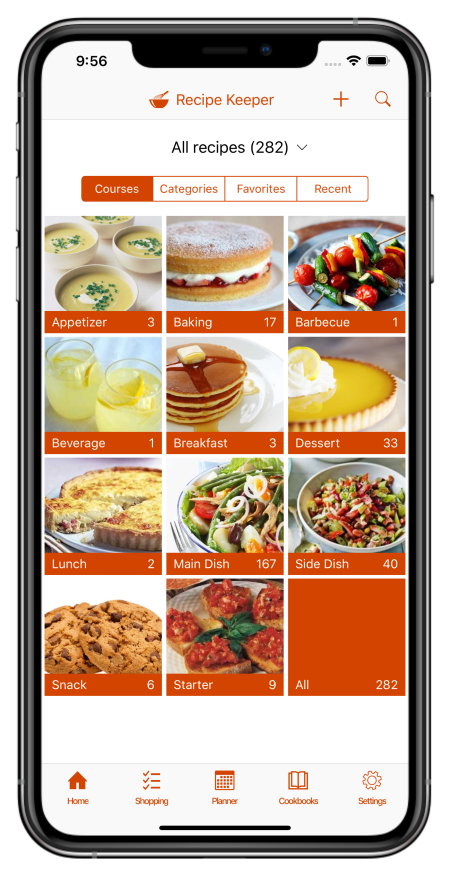
Quickly lookup your recipes by name, ingredient or directions or simply browse your recipes by course, category and rating.

Got some leftovers in the fridge? Search for a recipe to use them up.

Cook more of your favorite meals and rediscover those long forgotten recipes to make meal times interesting again.

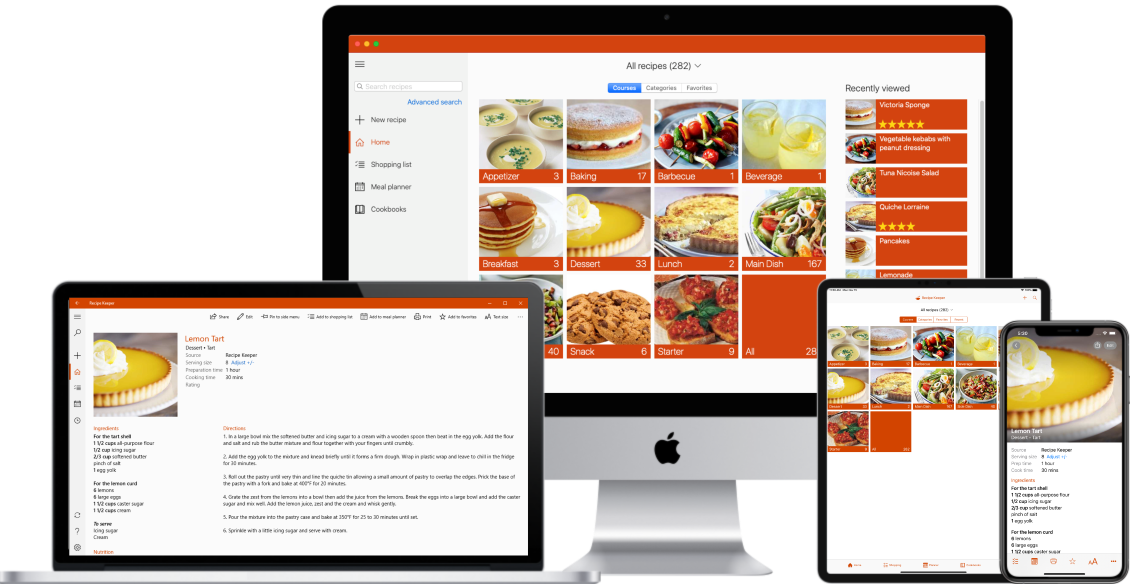
Available across all of your devices

Share your recipes, shopping lists and meal planner across your iPhone, iPad, Android phone and tablet, Windows PC and Mac.

Get Recipe Keeper and never lose a recipe again

Download on the App Store Get it on Google Play Download from Windows Store Download on the App Store