This recipe was shared from Recipe Keeper - save, organize and share recipes all in one place.

  • Save recipes from websites, Instagram, TikTok
  • Scan cookbooks, magazines, handwritten recipes
  • Plan meals and shopping lists
  • Create beautiful cookbooks to share or gift
  • Works on iOS, Android, Windows and Mac

Get Recipe Keeper free and save this recipe to your collection

Download on the App Store Get it on Google Play Download from Windows Store Download on the App Store

⭐⭐⭐⭐⭐ 50,000+ 5-star ratings

(App Store • Google Play • Microsoft Store)

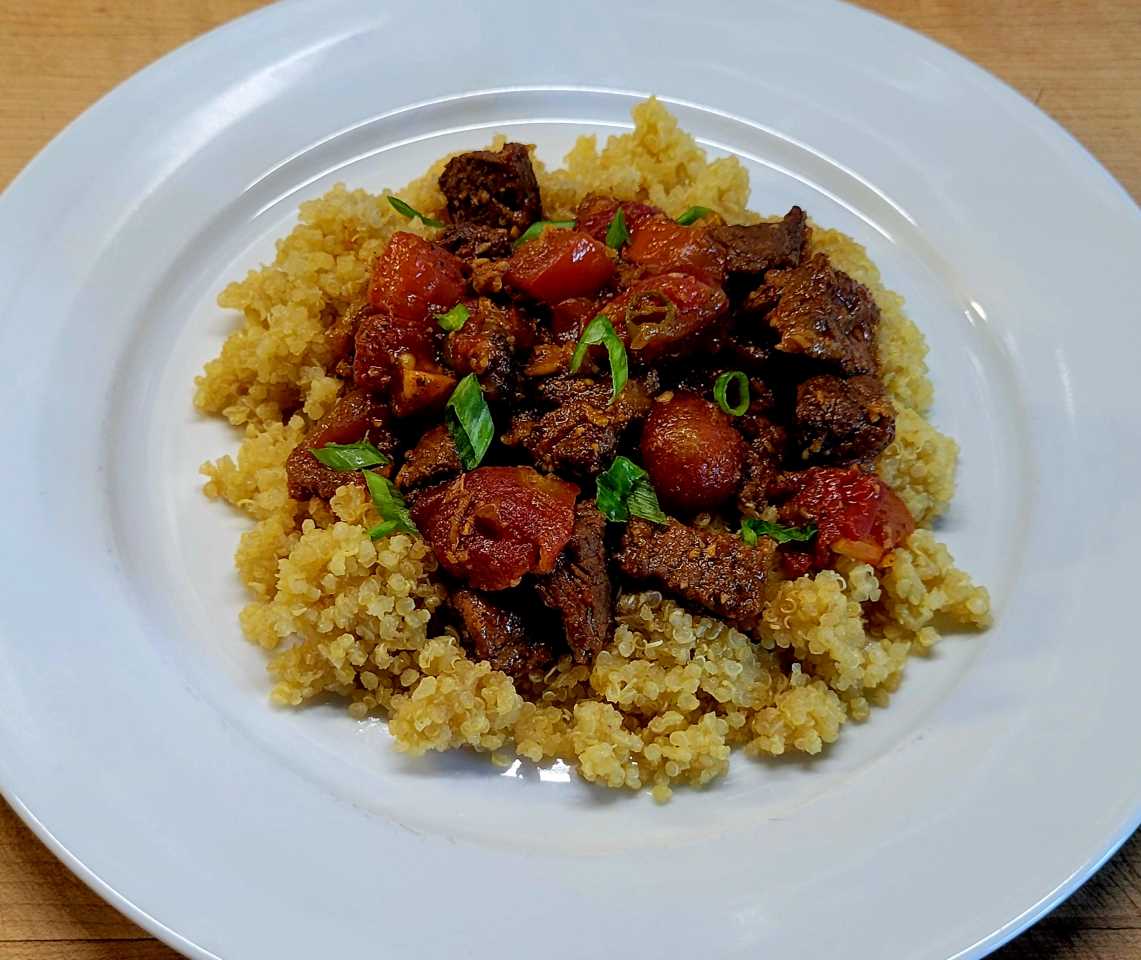
Beef & Tomato Curry Over Quinoa

Main Dish • Beef, Grains, Herbs & Spices, Vegetables

Already have Recipe Keeper?

Ingredients

  • 1 pound beef chuck roast
  • 1 t curry powder
  • 1 T olive oil
  • 1/2 large sweet onion
  • 3 cloves garlic
  • 1/2 hot red chile, seeded and finely diced
  • 1 slice of ginger, 1/2" wide
  • 2 t mild curry powder
  • 1 T tomato paste
  • 1/4 cup red wine
  • 1 can diced, no salt added tomatoes
  • 1 bay leaf
  • Chicken Stock
  • 1 cup quinoa

Directions

  • Season both sides of the beef with curry powder and set aside.
  • Cook the onion in the olive oil over medium heat in a sautee pan.
  • Add the garlic, ginger, and chile once the onion becomes translucent.
  • Add the curry powder and stir to coat everything in the pan.
  • Add the tomato paste and cook until the paste starts to darken, stirring often to prevent burning.
  • Deglaze with the wine and stir until the liquid is absorbed.
  • Transfer the contents of the pan into a crock pot.
  • Sear the beef over high heat on both sides, transfer to crock pot.
  • Add the can of tomatoes and bay leaf. If needed, add chicken stock or water so the beef is almost covered.
  • Set your crock pot on low and cook until you can shred the beef with a fork. Check for seasoning and add salt and pepper to taste. Remove bay leaf and ginger piece.
  • Prepare quinoa according to package directions and serve tomato beef curry over the top.

Notes

  • 7-25-25 1/2 Recipe
  • No Changes
  • I used
  • Stew Beef

Photos

What is Recipe Keeper?

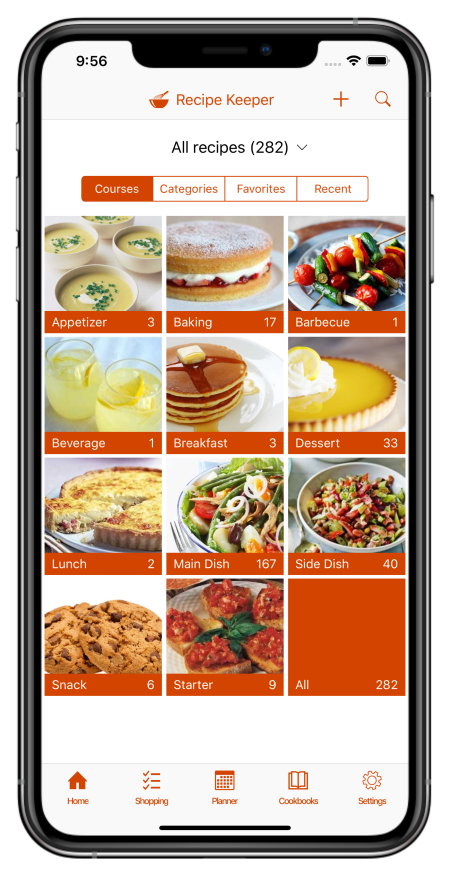
Recipe Keeper helps you save recipes from anywhere, keep them organized, and find them fast - across your phone, tablet and computer.

Import recipes from websites

Search for recipes on the web, Instagram and TikTok and add them straight to your collection.

Hundreds of popular recipe websites supported.

Once added you can customize a recipe to suit your needs.

Scan from cookbooks, magazines and handwritten recipes

Scan recipes using your phone's camera or from your existing photos and PDF files.

OCR technology automatically converts images to text.

Keep all your favorite family recipes safe forever.

Find any recipe instantly

Quickly lookup your recipes by name, ingredient or directions or simply browse your recipes by course, category and rating.

Got some leftovers in the fridge? Search for a recipe to use them up.

Cook more of your favorite meals and rediscover those long forgotten recipes to make meal times interesting again.

Available across all of your devices

Share your recipes, shopping lists and meal planner across your iPhone, iPad, Android phone and tablet, Windows PC and Mac.

Get Recipe Keeper and never lose a recipe again

Download on the App Store Get it on Google Play Download from Windows Store Download on the App Store