This recipe was shared from Recipe Keeper - save, organize and share recipes all in one place.

  • Save recipes from websites, Instagram, TikTok
  • Scan cookbooks, magazines, handwritten recipes
  • Plan meals and shopping lists
  • Create beautiful cookbooks to share or gift
  • Works on iOS, Android, Windows and Mac

Get Recipe Keeper free and save this recipe to your collection

Download on the App Store Get it on Google Play Download from Windows Store Download on the App Store

⭐⭐⭐⭐⭐ 50,000+ 5-star ratings

(App Store • Google Play • Microsoft Store)

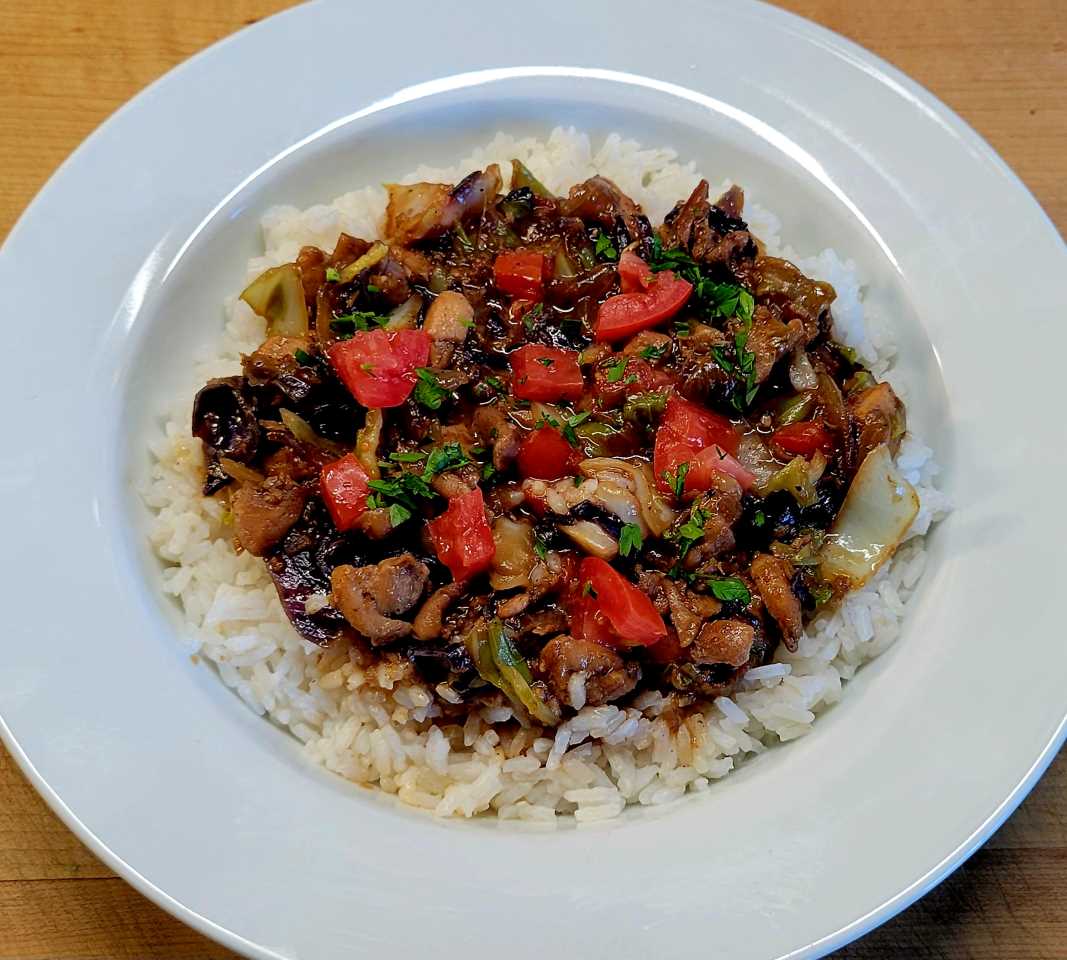
Chinese Chicken Cabbage Stir-Fry 1

Main Dish • Chicken, Vegetables

Already have Recipe Keeper?

Ingredients

  • 1 lb boneless chicken breast, sliced into thin strips
  • 1 small Chinese cabbage, chopped into bite-sized pieces
  • 2 cloves of garlic, minced
  • 1 inch ginger, peeled and grated
  • 2 tbsp vegetable oil
  • 2 tbsp soy sauce
  • 1 tbsp oyster sauce
  • 1 tsp cornstarch
  • 1/4 cup water
  • Salt and pepper, to taste

Directions

  • In a small bowl, mix together soy sauce, oyster sauce, cornstarch, and water. Set aside.
  • Heat vegetable oil in a wok over high heat. Add garlic and ginger and stir-fry for 30 seconds until fragrant.
  • Add chicken strips and cook for 2-3 minutes until browned.
  • Add Chinese cabbage and continue stir-frying for another 2-3 minutes until the cabbage is wilted but still has some crunchiness.
  • Pour in the sauce mixture and stir-fry for another minute until the sauce thickens and coats the chicken and cabbage evenly.
  • Season with salt and pepper to taste and serve hot with rice.

Notes

  • 3-24-25
  • I used Green & Red cabbage
  • I added Yellow Onion, thick slice
  • Small Roma Tomato, diced

Photos

What is Recipe Keeper?

Recipe Keeper helps you save recipes from anywhere, keep them organized, and find them fast - across your phone, tablet and computer.

Import recipes from websites

Search for recipes on the web, Instagram and TikTok and add them straight to your collection.

Hundreds of popular recipe websites supported.

Once added you can customize a recipe to suit your needs.

Scan from cookbooks, magazines and handwritten recipes

Scan recipes using your phone's camera or from your existing photos and PDF files.

OCR technology automatically converts images to text.

Keep all your favorite family recipes safe forever.

Find any recipe instantly

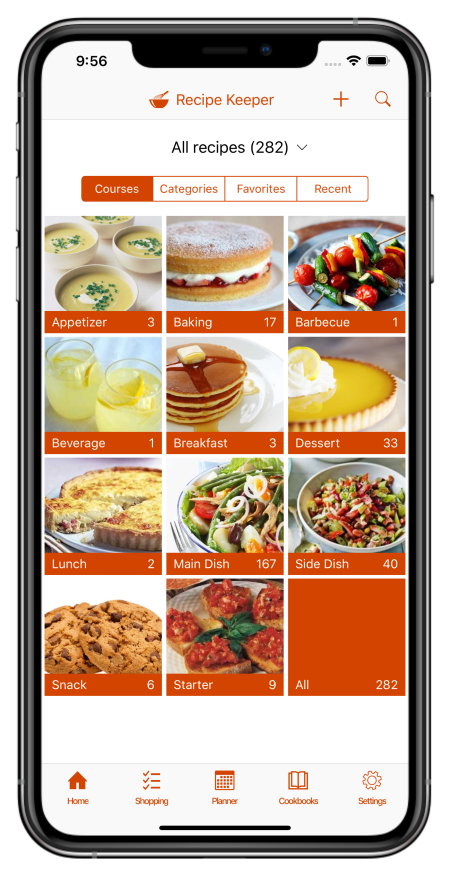
Quickly lookup your recipes by name, ingredient or directions or simply browse your recipes by course, category and rating.

Got some leftovers in the fridge? Search for a recipe to use them up.

Cook more of your favorite meals and rediscover those long forgotten recipes to make meal times interesting again.

Available across all of your devices

Share your recipes, shopping lists and meal planner across your iPhone, iPad, Android phone and tablet, Windows PC and Mac.

Get Recipe Keeper and never lose a recipe again

Download on the App Store Get it on Google Play Download from Windows Store Download on the App Store